.gif)



How does guerrilla testing work?
The main goal of guerrilla testing is to find errors and fix them as quickly as possible. Guerrilla testing is easy to set up because you don’t need to worry about:
- You don’t need expensive recording equipment or a research lab
- You don’t neet to get participants to come to you (which includes travel costs, arrangements, schedules and often cancellations)
- You don’t need to deal with paperwork and administration
- You don’t need to worry much about recruiting the right participants with their demographics matching your target audience.
The right people for guerrilla testing are the people available right now. This makes Guerrilla Testing extremely lean and agile. You can get insight in as little as a couple of hours. The sessions are very short (about 15-30 minutes) and compressed.
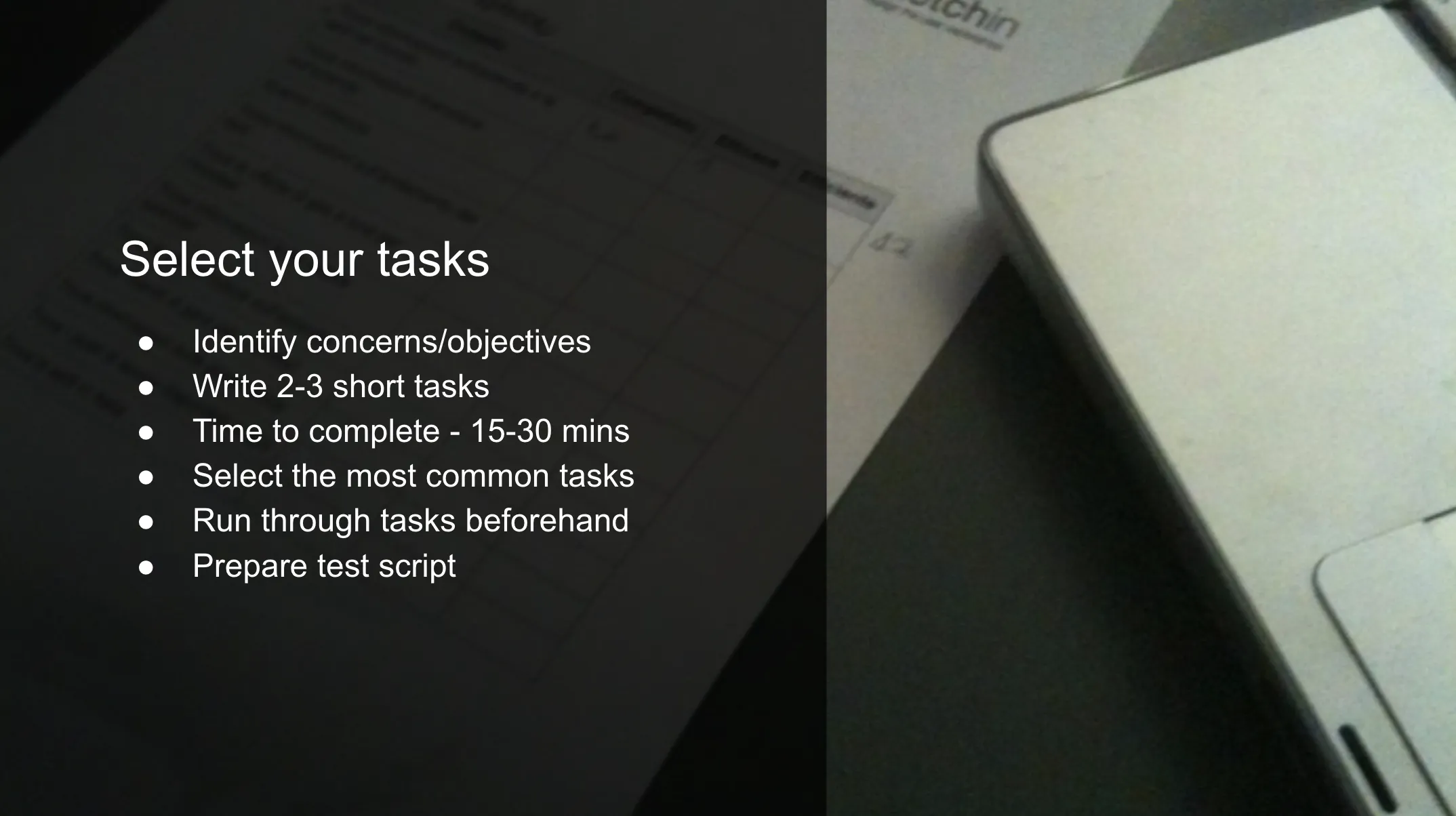
- #1: Come up with a list of tasks
- #2: Prioritize tasks
- #3: Turn your tasks into scenarios
- #4: Start guerilla testing
- #5: Capture testing insights (if users are comfortable with the approach)
- #6: Fix your usability problems
- #7: Test again, validate, make it a habit
Here’s what’s happening in a Guerilla usability test:

- Ask them if they would like to answer a few questions about your product,
- Give them a couple of tasks to do,
- Observe their interaction,
- Ask about their experience,
- And you’re done.
Because you’re collecting qualitative data during the tests, you just need 3 to 5 people to spot the biggest usability issues. Discovered usability issues can be improved right away and the improved design is validated during the next round of testing.
Where do I find the right participants for guerrilla user testing?
Compared to a traditional usability study, participants for guerrilla tests are not recruited, you just approach them. The easiest way to find participants is to use your family or friends as test participants—after all, they can’t escape that easy because you know where they live. 😉
The thing is, your close friends and family often know too much about you and your product, it’s difficult to get a true first-time user experience from them. Also, your mum or your elderly aunt Shelly may be extra nice and careful with your emotions… For that reason, it’s often better to test with new participants without any knowledge about you and your product. Perfect places to find such people are locations where people are naturally in a good mood like coffee shops or shopping centers.
Pro Tip: Make sure to pick a location with a stable Wi-Fi connection if your prototype or website is online. You shouldn’t forget your charging cables or additional power packs as well. You don’t want to run out of battery during a test.

Some examples for writing test script
1. Make the Task Realistic
User goal: Browse product offerings and purchase an item.
Poor task: Purchase a pair of orange Nike running shoes.
Better task: Buy a pair of shoes for less than $40
2. Make the Task Actionable
User goal: Find movie and show times.
Poor task: You want to see a movie Sunday afternoon. Go to www.fandango.com and tell me where you’d click next.
Better task: Use www.fandago.com to find a movie you’d be interested in seeing on Sunday afternoon.
3. Avoid Giving Clues and Describing the Steps
User goal: Look up grades.
Poor task: You want to see the results of your Covid test. Go to the website, sign in, and tell me where you would click to get your test results.
Better task: Look up the results of your Covid test.
Examples for test script
Task 1: Scroll through new posts
We can’t just tell users to “scroll through new posts” without any motivation or goal. Instead of describing what to do, we can provide people with a reason to do it.
Bad: Scroll through the page to look at new posts.
This will only get your users to perform the task like a robot. Without any motivation whatsoever, they will just scroll through your page and you won’t learn anything about how to improve your usability.
Okay: Look at this page and find out what it’s all about.
This is at least open and lets people explore the page more naturally. Just by telling them to look at the page, your chances are high that they will be scrolling through the posts to find out what it’s all about.
Good: Imagine this is the first time you’re checking Facebook today. Now go and find the first post that was published today.
Finally, this works because it gives your users a real goal. Instead of just telling them what to do (bad) or hoping they will do it (okay), you can give them something specific to do that will naturally motivate them to use your site (good).
And now comes the fun part. Just give them your scenario, lean back and observe how they use your website, app or prototype. And…
Remember to shut up


Your Testing Venue
User testing can be done anywhere at any time, but you should follow some guidelines:
- Quiet and free of distractions - your participant should be focusing on what their doing (distractions can skew the results of the test)
- Ensure all relevant software is installed to run the sessions (our setup is detailed in a link at the end)
- Test your setup and try to avoid cocking-up...
Identify Problems and Hypothesise
In order for your test to be a test, you need to have something to test
- Watching someone use your product isn’t a test - it’s just an observation
In general, follow a simple scientific method:
- Identify a problem
- Hypothesise a solution
- Identify a ‘success mark’
- Implement your solution
- Test it - see if your solution passes or fails
- If it fails, make another hypothesis and repeat
Create Tasks / Scenarios
The way you ask the user to do things has an huge impact on the outcome of your tests - keep it very vague
- Avoid giving all the directions, e.g.. “click the categories button and look in the cars category for a black 5-door Ford”
- Instead, create vague tasks by disguising them as scenarios, e.g. “you’re looking to trade up from your old car - your friend suggests trying out this new app to find something that suits your needs”
Don’t tell the user what to do - let them figure it out... If they’re struggling - great, that’s your problem!
Write a Script
It sounds strange, but you need a script - of everything you’re going to say and do…
- You need to follow this script and say and do exactly the same for each participant
- To get accurate results, you need to control the environment and replicate it every single time you run a test
- For example - if you’re in a bad mood, you could make the participant nervous which affects how they use your product - but it’s you that could be causing the problem
Test Day: Talk!
- Be extremely welcoming - you want them to feel relaxed
- Get them talking to relieve some stress, but also get them used to speaking out loud
- What do you do for a living?
- How did you get into that career?
- Why do you use buy / sell marketplaces?
- What’s your favourite website? Why?
- …
Their answers don’t really matter (or you can make them meaningful questions…)
You’re on a Tinder date and you need to make them feel relaxed in less than 30 seconds - this is very hard
Test Day: Introduction
So, you’ve successfully chatted about nonsense for a few minutes...
Read through your introduction
- Script this bit out and go through the same spiel for each user - explaining this in different ways can skew results
Understand what the user is thinking
- We typically use the CTA (Concurrent Think Aloud) technique where users verbally express every thought
Sweeping statement: people hate being watched, recorded, observed, and being in a foreign environment
- You’re evaluating the product, not the user
- There are no wrong answers - it’s not a test
General guidelines:
- Tell them not to be polite - you didn’t design this (even if you did, a little white lie won't hurt…)
Tell them not to randomly click things (unless you want them to…)
Results Analysis & Debriefing
It’s over! Time to jump for joy or break down and cry. There is rarely anything in between these two emotions following a day of user testing...
Analysis of your results
- Narrow down what worked, what didn’t, and decide what actions to take
- Revisit your hypothesis and see if users achieved your ‘success mark’. Consider the points below…
- How many users passed or failed your hypothesis?
- Based on their behaviour and comments, how easily did they pass or fail?
- You can use the data from user testing to influence decisions on A/B testing - it’ll be a more efficient test
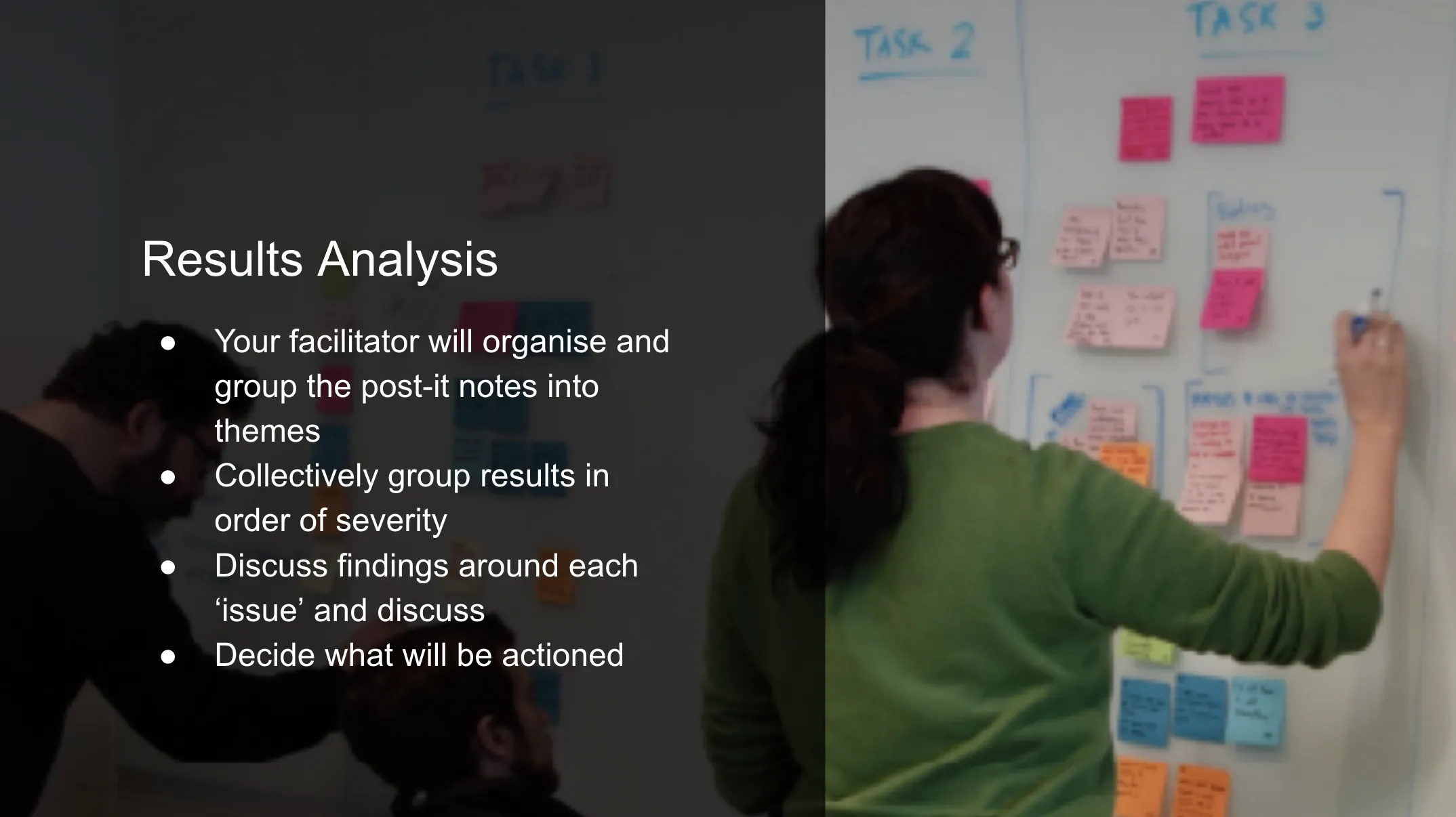
You need to go through the results with the rest of your team
- No-one will watch five hours of footage - we create a 5-10 minute highlight video for a debrief meeting the following day…
In this meeting: we watch, digest, discuss, create action points and create an action plan (check select your tasks image)
Thanks for reading
Girilla testing guidelines
Why is user testing important? Some key learnings from how we have developed and improved our user testing process.

Apr 6, 2019
Jan 13, 2022
·
6
min read